Customer Experience
  Blog
Blog  Business Communication
  Leadership
  Marketing & Sales
  Nextiva News
  Productivity
  VoIP
VoIP 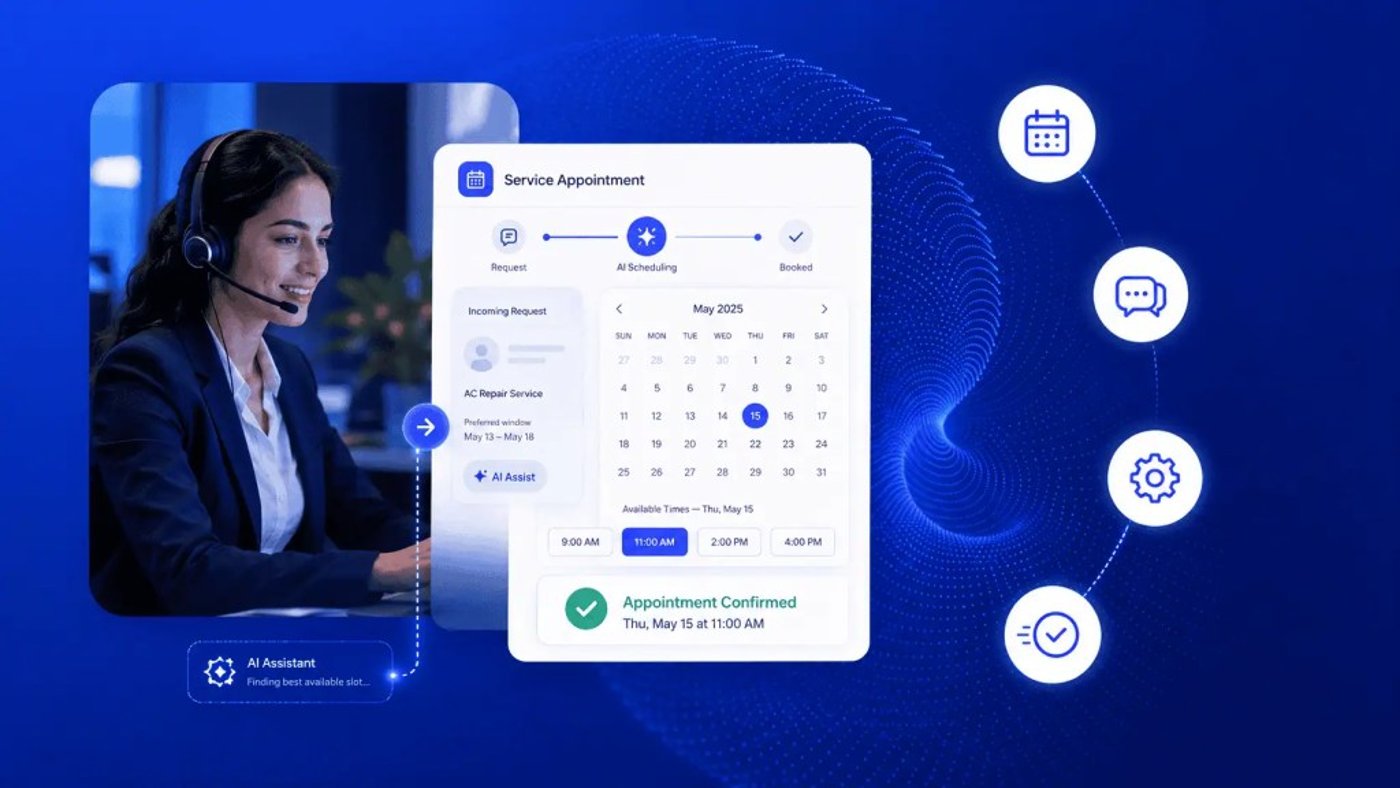

Picture this: A coordinator spends the morning leaving voicemails and waiting on callbacks that never come, moving from one unanswered line to the next. Meanwhile, three other callers hang up because the line is busy, and two open slots remain unfilled. That’s the real cost of manual scheduling.
Manual scheduling not only takes up staff time and results in a calendar that never reflects actual demand, but it also leads to lost revenue, frustrated customers, and lower customer satisfaction.
If this scenario sounds familiar, or if you want to change your existing scheduling system, this guide is for you. I’ll walk through the data architecture behind automated booking, a reminder cadence that actually cuts no-shows, and the criteria to use when you’re picking software.
Most consumers expect AI to be part of service; now a basic requirement, automated booking is table stakes, not a novelty.
Try the best AI answering service free for 14 days
XBert AI answers questions and captures leads. Add your 24/7 answering service in minutes.
What Automated Service Appointment Booking Actually Is
A self-service intake system works like a digital filter. In practice, the booking flow usually looks like this: The customer selects a service.
- The customer selects a service.
- The system asks qualifying questions (location, service type, urgency, equipment model, etc.).
- Calendar availability is checked in real time.
- A time slot is reserved.
- Confirmation is sent by email or SMS.
- Customer relationship management (CRM) and scheduling records are updated automatically.
A clinic’s filter might ask about the customer’s symptoms and preferred provider, while a repair shop’s screening might ask for details on the part and problem. Either way, the goal is the same: to capture what a coordinator would normally ask over the phone before an appointment. This replaces the 10 to 15 minutes of back-and-forth a coordinator typically spends confirming these details with phone scheduling.
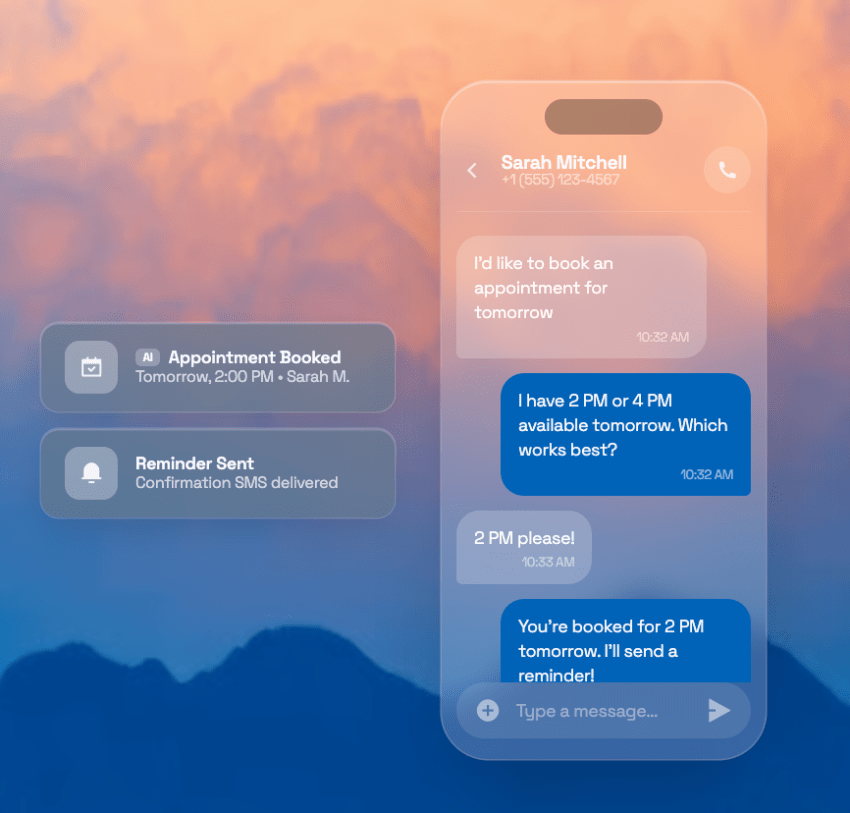
When it comes to customer expectations, nearly eight in 10 consumers say AI bots are genuinely helpful for simple, structured issues, while 81% of consumers now view AI as part of modern customer service, per Zendesk research. Self-service intake fits that description almost exactly because it has a short list of questions, gives callers a predictable set of answers, and there’s a clear next step.
The bigger shift is how this affects the coordinator role. Instead of dialing and redialing to nail down an appointment time, staff can spend their day on more complex requests, such as the customer who needs three services sequenced correctly or the reschedule that requires judgment AI can’t make. With automated appointment scheduling, routine bookings handle themselves and help you save time and cut repetitive tasks, but judgment calls still require human oversight.
The Operational Blueprint
Triggers, actions, and filters
Think of an automated appointment scheduling system as a set of trigger-and-action rules, such as “When X happens, the system does Y,” that operate automatically. Each customer event should launch a specific operational response.
| Trigger | Action |
|---|---|
| New booking on scheduler | Route to certified technician; send invoice |
| Booking cancelled | Fire waitlist alert via SMS to next eligible customer |
| 48 hours before slot | Send SMS reminder with “Reply YES to confirm” |
| Two hours before slot | Send final automated text reminder |
| No appointment confirmation received | Escalate to coordinator for a live follow-up |
Filters sit in front of these triggers and decide which rule applies. A new booking trigger might route one way for a routine service and another way for a specialized repair. That’s because the filter checks the service type field on the intake form before the action fires. Most of your setup time goes here because you’re mapping every service type to the right action so nothing falls through to a default queue.
Here, reminders are decision points and not just notifications. A customer who doesn’t confirm becomes an exception that needs human attention before the slot is lost.
Two-way sync vs. iCal for appointment scheduling
This distinction causes one of the most common service scheduling problems: double bookings. Many businesses assume that because a calendar appears connected in their existing systems, availability is synchronized in real time. But that’s often not true.
| Criteria | Two-way API sync | iCal feed |
|---|---|---|
| Updates | Real-time, both directions | One direction, delayed |
| Slot locking | Locks the slot on booking | No lock, the slot stays open |
| Lag | Instant | Up to 24 hours |
| Double-booking risk | Minimal | High |
An iCal feed publishes a snapshot of your calendar on a fixed refresh cycle, often once an hour or once a day, and other systems subscribe to that snapshot. It’s practically a one-way broadcast, with your calendar telling the world what’s booked.
The only problem is that nothing flows back. So if two customers claim the same slot through two different channels between refresh cycles, neither system catches the conflict until the next sync, sometimes close to a full day later.
Two-way application programming interface (API) sync works differently. The moment a customer selects a slot, the booking system calls the calendar’s API directly, checks live availability, and writes the reservation in the same transaction, giving you real-time insights.
This helps prevent double-bookings. That’s why two-way sync is generally considered the baseline requirement for any scheduling automation handling real booking volume.
Routing logic
Once a booking clears the calendar check, it needs to land with the right person or service department. Skills-based routing matches the service request to a certified or qualified staff member or your service offerings. For example, if a caller needs HVAC refrigerant work done, then the call gets routed to a licensed technician. If they have a service request for hybrid vehicle diagnostics, the call is matched to an EV-certified technician.
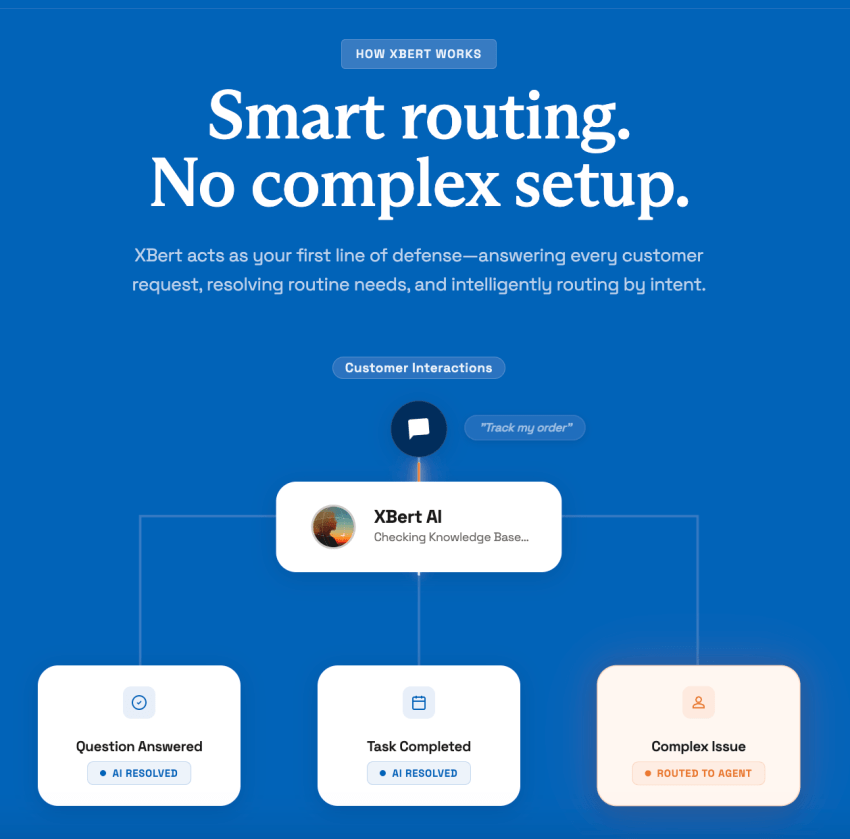
Geographic routing works differently and matters most for field service appointment scheduling. It assigns by service area or drive time, so a job across town doesn’t land with a technician who’s already committed elsewhere.
This is the same logic behind intelligent call routing for inbound calls, applied to appointment scheduling instead of live conversations. The intake data driving it should feed directly into a CRM system like Salesforce, HubSpot, or Zoho, eliminating manual re-entry and reducing scheduling errors.
Multi-Channel Intake: Past the Web Widget
A booking page on your website is useful, but it’s rarely enough because customers tend to use the channel that feels most convenient in the moment. One customer might open the website at midnight, while another sends a text during lunch. A third calls while driving between job sites.
Plenty of customers still want to make manual calls or send a text instead of filling out a form, and a booking system that ignores those channels loses the leads who prefer them. If those channels feed different systems, staff end up reconciling duplicate requests manually.
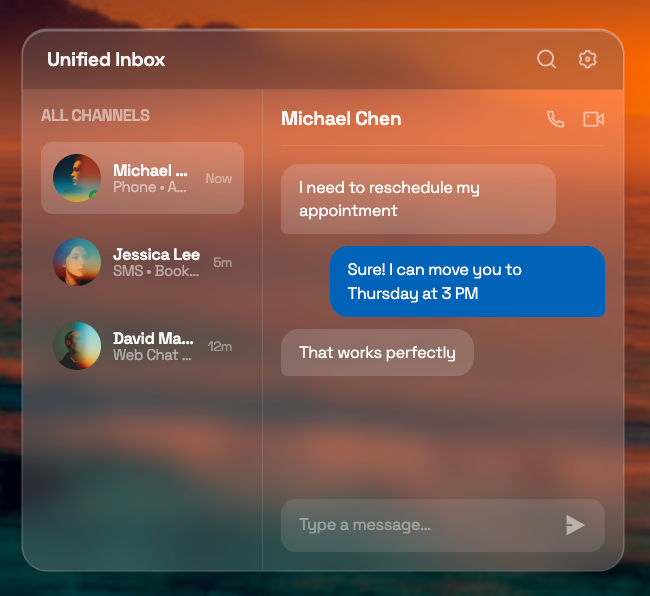
Stanley Steemer runs field-service routing and scheduling across many locations, keeping dispatch and intake synchronized so a booking made by phone in one city doesn’t collide with a technician’s route in another. That’s what multi-channel intake solves for at scale. This works the same way that an AI phone answering service handles other inbound call types.
Conversational AI for phone booking
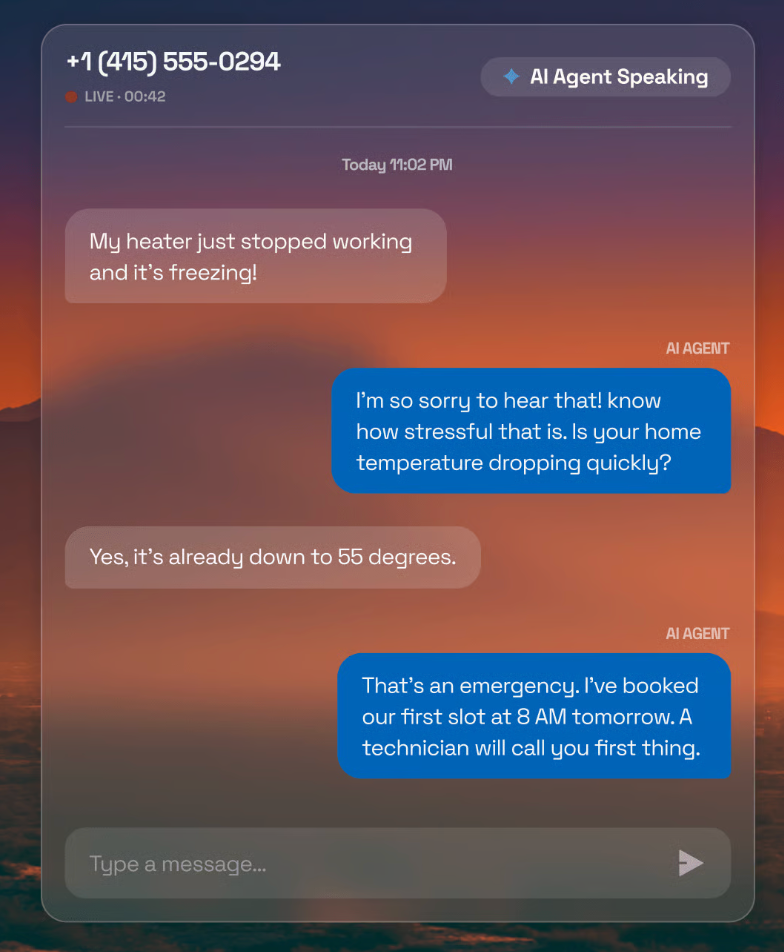
A conversational AI receptionist answers inbound calls and asks the same instructed intake questions a web form would. For a repair business, that might mean asking about the item involved, the model, and the specific problem. For a clinic, it might mean asking for the visit reason and preferred provider.
Either way, the system confirms a slot directly before the call ends. There’s no hold music or callback queue. With AI-powered scheduling, there’s also no message sitting in a voicemail box until Monday.
SMS and WhatsApp scheduling
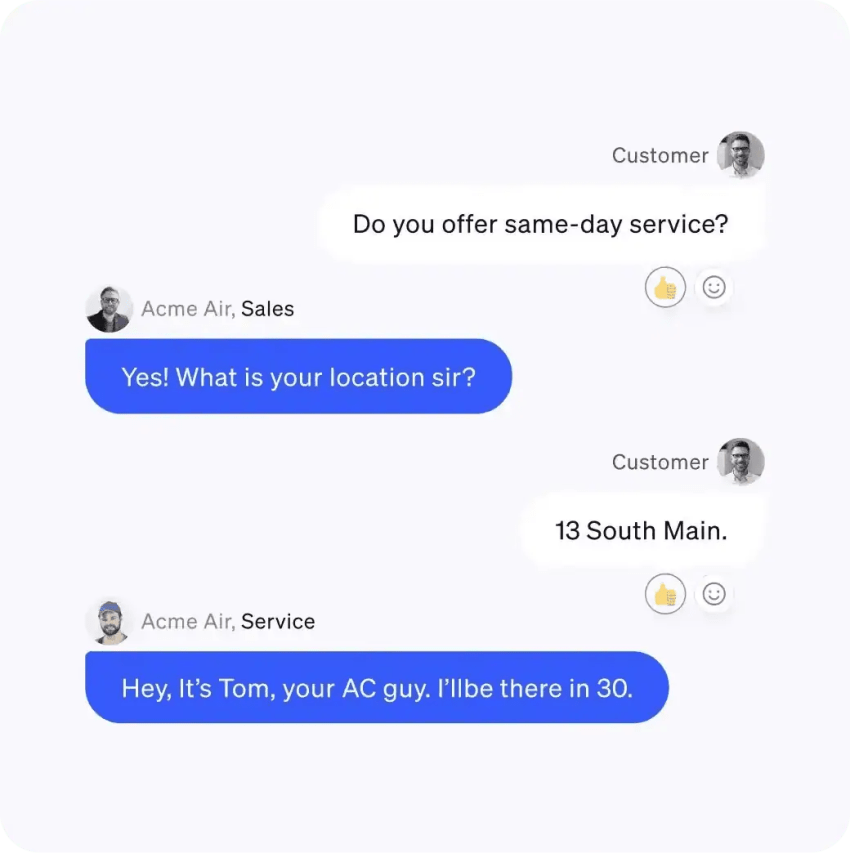
Text-based booking meets customers where they already spend their time. Business texting and WhatsApp Business both work as intake channels, feeding the same calendar as the web widget and phone line. A customer who texts “can I get a diagnostic appointment on Thursday?” gets routed through the same trigger-and-action pipeline as someone who booked online. The channel changes, but the backend logic doesn’t.
Eliminating the Cost of Missed Appointments
No-shows cost practices between $3,200 and $6,800 per month, according to Tebra’s research on patient scheduling. Field-service businesses face a similar problem, such as when their technicians travel to an address only to discover that the customer is unavailable.
These figures show why reducing no-shows is often one of the biggest business benefits of scheduling automation.
What no-shows actually cost
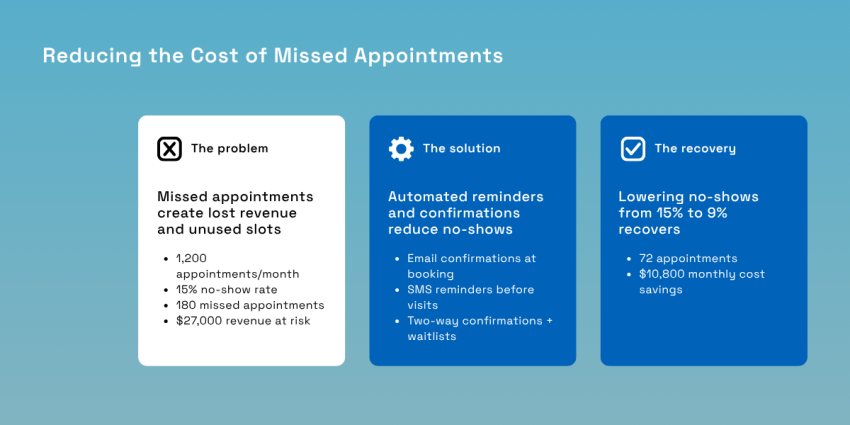
Here’s a hypothetical calculation to illustrate the business consequences of no-shows.
Consider a business that schedules 1,200 appointments per month, with an average revenue of $150 per appointment.
| Monthly scheduled revenue | $180,000 |
| No-show rate | 15% |
| Lost appointments | 180 |
| Revenue at risk | $27,000 |
Reducing the no-show rate from 15% to 9% recovers 72 appointments, or about $10,800 per month. Note that actual results will depend on factors like your appointment volume, average revenue per appointment, and no-show rate.
The reminder that cadence works
Automated reminders can cut no-show rates by up to 40%, and layering channels compounds that result. A multi-channel approach using text, email, and calls for personalized follow-ups produces a 28% greater reduction in no-shows than relying on a single channel alone, according to Prosper.
Here’s the cadence you can copy directly if you’re planning to revamp your current process:
- On booking: Send instant confirmations via email with the customer’s appointment details. This is the record they’ll search their inbox for later.
- 48 hours out: Send reminders via SMS with a simple prompt, such as “Reply YES to confirm.” The timing is early enough that if a genuine conflict arises, there’s still time to fill the slot from a waitlist.
- Two hours out: Send a final automated text as a last checkpoint, close enough to the appointment that a no-response is a meaningful signal.
None of these steps require a person to trigger them. They’re the same trigger-and-action logic from the operational blueprint, just applied to time instead of a calendar event. They should also be configured once and left running rather than adjusted by appointment.
Two-way confirmations and waitlists
A “Reply YES” that only logs a text does nothing for your schedule. The value comes from writing that reply back to the calendar in real time. This turns a passive reminder into an active appointment confirmation the same way the original booking locked a slot through two-way sync. When clients cancel appointments through that same two-way channel, the system can fire a waitlist offer to the next eligible customer and backfill the slot automatically.
How to Transition From Manual Scheduling to Automated Service Appointment Scheduling
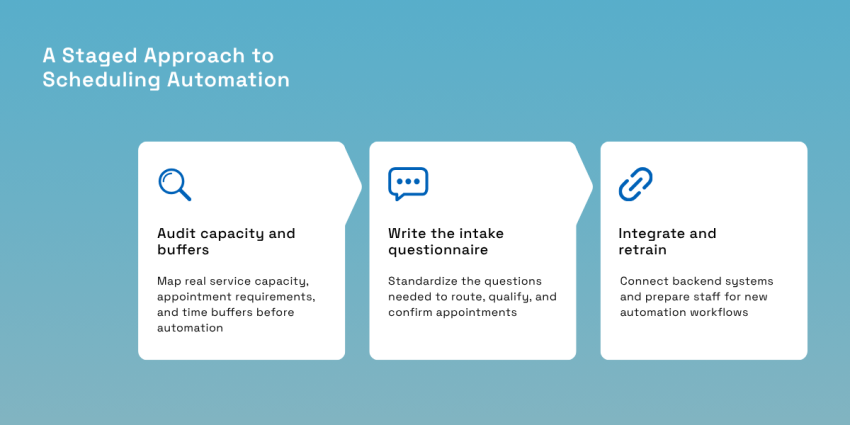
Automation projects often face challenges when businesses attempt to replace all manual tasks simultaneously. A better approach is to automate the booking workflow in stages because aside from letting you test each piece, it allows you to train staff gradually and fix bottlenecks before they affect customers, giving you a real, competitive advantage.
Step 1: Audit capacity and buffers
Map your real service capacity first instead of opting for a theoretical maximum. Then, add buffer time on top of it to cover drive time between jobs for field service, as well as cleanup and turnover time for a clinic exam room.
Skipping buffers is one of the most common reasons automated systems overbook. The software will happily fill every slot you give it, so give it slots that reflect how your team actually works.
For example, a plumbing company might schedule every repair as a one-hour appointment. That works until a technician has to drive 25 minutes across town. If travel time isn’t included, the entire afternoon schedule starts slipping behind.
The same issue affects healthcare practices, salons, auto repair shops, and professional service firms, given that small tasks like preparing service bays or resetting equipment add up throughout the day.
Start by documenting your current scheduling process.
| What to review | Questions to answer |
|---|---|
| Appointment types | Which services require different appointment lengths? |
| Staff availability | Which employees can perform each service? |
| Business hours | Are there seasonal or location-specific schedules? |
| Buffer times | How much time is needed between appointments? |
| Resources | Do appointments require a room, vehicle, or specialized equipment? |
Step 2: Write the intake questionnaire
Standardize the qualifying questions and ask only what’s necessary to route and confirm the appointment. Your booking form should answer one question, and that’s “What information does the business need before assigning this appointment?”
Many organizations ask far more questions than necessary, but every additional field increases the chance that a customer abandons the appointment-setting process. So collect only the information that changes how the appointment is scheduled.
For example, if you’re an HVAC company, essential intake questions should focus on equipment type, problem description, and the caller’s address. For a medical clinic, essential questions could include visit reason, preferred provider, and insurance status (if applicable).
If you need additional information, you can always collect it once the appointment is locked in rather than front-loading questions into the booking flow.
Step 3: Integrate and retrain
Appointment booking automation should never exist in isolation, which is why you should connect the scheduler to your existing backend systems (CRM systems, calendar, invoicing platform) before flipping the switch on customer-facing automation.
Test the integration with a handful of real bookings before opening it to your full customer base. This way, any gaps between the scheduler and your dealership management system or practice software surface in a controlled setting.
Then, provide staff training on the new role. The mindset shift matters as much as the technical setup. Your coordinators stop being dialers and become exception handlers who manage the anomalies and high-value customers. Have this retraining conversation with your team before launch and not after you’ve implemented the change.
Automate Your Booking With AI-Powered Scheduling From Nextiva
Every automated booking fills a slot without a phone call, and every reminder that lands prevents a no-show. Coordinators spend valuable time making decisions and returning voicemails. Cancellations leave empty calendar slots because there’s no quick way to fill them.
A connected communications platform helps eliminate those gaps and address potential missed opportunities. XBert is an AI virtual receptionist that handles conversational phone and text booking, answering the calls your coordinator would otherwise be stuck on.
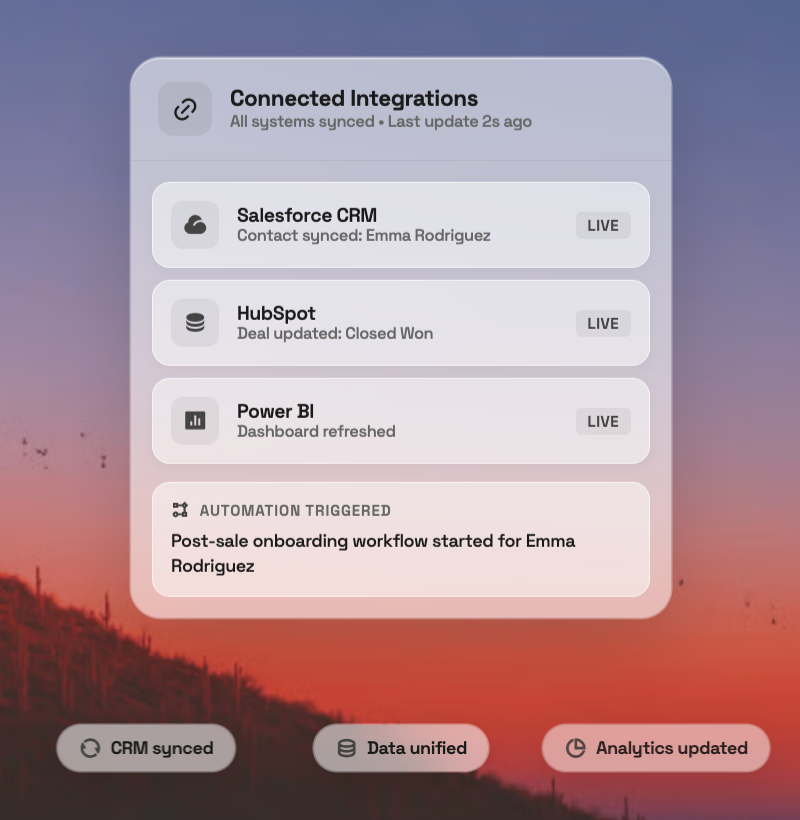
Nextiva’s small business Voice over Internet Protocol phone system, meanwhile, routes intake across channels, so a text, call, and web form all feed the same schedule. The AI-powered Contact Center coordinates all of it at scale for teams with multiple locations or a high booking volume. Combined with seamless integrations and intelligent call routing, every booking enters the same workflow instead of creating disconnected records across different systems.
The result is a scheduling process that reflects real-time availability and reduces manual effort. It also gives your customers faster access to appointments without sacrificing oversight where it matters.
The two-way calendar sync and multi-channel automated reminders covered here aren’t just features on a spec sheet. Rather, they’re specific pieces that help solve the double-booking and no-show problems covered in this guide.
Your AI-Powered Contact Center
Create amazing customer experiences with AI-powered contact center software. Scalable contact center platform built for omnichannel customer conversations.