Customer Experience
  Blog
Blog  Business Communication
  Leadership
  Marketing & Sales
  Nextiva News
  Productivity
  VoIP
VoIP 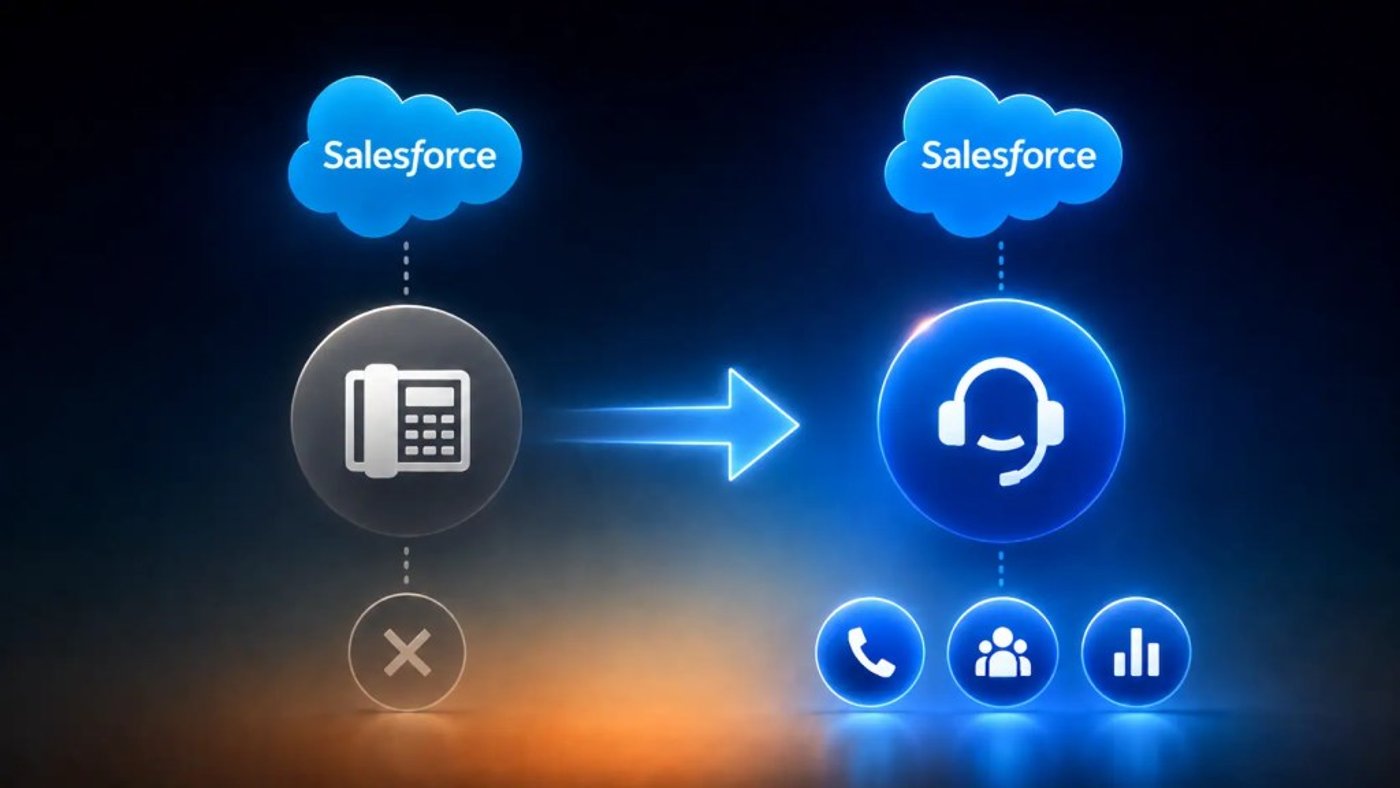

Salesforce’s announcement1 that it will discontinue support for and completely retire Salesforce Open CTI on February 28, 2028, has sparked concern and created a whole new range of tasks for businesses to undertake.
Salesforce Open CTI, which enables features such as screen pop, click-to-dial, and call controls within third-party apps, is now in “maintenance mode.” This means there will be no new features added — ever. It also means that, come February 2028, all implementations of Salesforce Open CTI will cease to work.
Why is this happening? Salesforce is undertaking “transition development efforts towards Service Cloud Voice.” It wants you to move to the cloud and go all in on Salesforce.
What should you do? That’s what we’re going to cover in this brief guide. First, let’s set the scene and understand exactly where we stand.
Understanding the Salesforce CTI Retirement Roadmap
The retirement of Salesforce Open CTI is not a sudden decision. It’s the latest step in a journey that has seen Salesforce steadily move away from legacy telephony integrations and toward directly embedding cloud-native communications within its ecosystem. To understand why Open CTI is disappearing, it helps to look at how Salesforce telephony integrations have evolved over the years.
History of Salesforce Desktop CTI vs. Open CTI
Before Open CTI arrived, Salesforce users relied on Desktop CTI to connect their phone systems with CRM workflows. The introduction of Open CTI removed many of the deployment and maintenance challenges associated with those early integrations.
| Feature | Salesforce Desktop CTI | Salesforce Open CTI |
|---|---|---|
| Deployment model | Requires software installation on individual desktops | Browser-based integration with no desktop software |
| Integration method | Relies on locally installed middleware and browser plug-ins | Uses JavaScript APIs within Salesforce |
| Maintenance | Updates must be managed across multiple devices | Centralized updates through the integration provider |
| Browser compatibility | More susceptible to browser and operating system changes | Designed for modern web browsers |
| Scalability | More complex to deploy across large teams | Easier to roll out across distributed workforces |
| Core functionality | Click-to-dial, screen pops, and call controls | Click-to-dial, screen pops, call controls, and call logging |
| Salesforce status | Retired | End of life scheduled for February 28, 2028 |
Browser dependencies and the death of Internet Explorer support
Maybe we should have seen this coming. Older computer telephony integration (CTI) implementations were heavily dependent on technologies that modern browsers no longer support. As web standards evolved and security requirements increased, maintaining compatibility has become increasingly difficult.
The retirement of Internet Explorer 11 marked a major turning point. Many legacy telephony integrations were built around browser behaviors and frameworks that either performed poorly or stopped functioning altogether once organizations migrated to modern browsers such as Chrome, Edge, and Firefox.
Open CTI helped reduce some of those dependencies, but it was still designed for a different era of web applications. As Salesforce continues modernizing its platform, support for older integration frameworks has gradually become harder to justify.
The role of the AppExchange in modern telephony integration
Today’s Salesforce telephony ecosystem looks very different from the one that existed when Desktop CTI was first introduced.
Rather than relying on custom-built integrations, organizations increasingly deploy certified applications through the Salesforce AppExchange. These integrations are easier to install, simpler to maintain, and updated regularly by their providers.
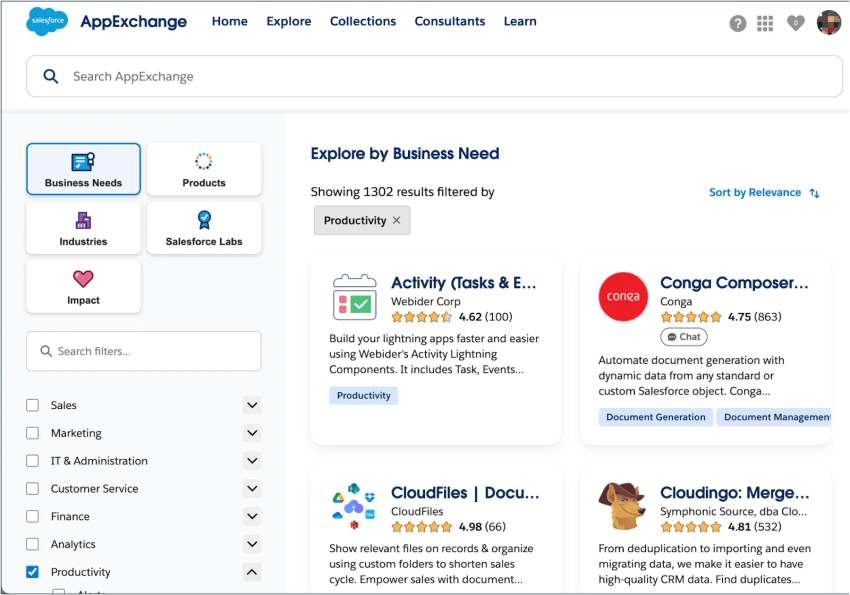
For contact centers, this shift creates a more flexible environment. Businesses can evaluate multiple telephony vendors, compare functionality, and deploy integrations that align with their specific customer service requirements.
As Salesforce phases out Open CTI, the AppExchange will continue to play an important role in helping organizations find supported alternatives. The key challenge is ensuring that any replacement solution not only works with Salesforce today but also aligns with the platform’s long-term roadmap.
Risks of Ignoring CTI End-of-Life Warnings
We’ve seen different technologies made “end of life” in the past and witnessed companies do nothing until it’s too late.
It’s not so long ago that support for Skype for Business was extended and then suddenly disappeared, forcing companies to migrate to Microsoft Teams (or an alternative) at the drop of a hat.
Failure to take this Salesforce notice seriously could have the following ramifications.
Broken call logging and lost customer data
Without a functioning CTI integration, call activity may no longer be recorded automatically, customer histories become incomplete, and agents lose visibility into previous interactions. Over time, this creates reporting gaps, inconsistent customer records, and a poorer customer experience. By the time users start noticing missing information, valuable data may already be lost.
Browser incompatibility with Chrome and Edge updates
One of the biggest challenges with aging technology is that the wider technology ecosystem continues to evolve around it. Modern browsers like Chrome and Microsoft Edge receive frequent security, performance, and compatibility updates. While supported applications evolve alongside these changes, end-of-life technologies become increasingly vulnerable to unexpected issues.
This means that even before Salesforce officially retires Open CTI, you may encounter browser-related problems that affect call controls, screen pops, click-to-dial functionality, or overall reliability.
Inability to migrate from Classic to Lightning Experience
If you’re operating older Salesforce environments, Open CTI retirement can create additional complications. Many modernization projects involve moving from Salesforce Classic to the Lightning Experience. However, legacy telephony integrations can quickly become a blocker if they aren’t fully compatible with newer Salesforce interfaces.
Instead of treating CTI migration as a standalone project, you should look at it as part of a wider Salesforce modernization strategy. Addressing both initiatives together can reduce complexity, avoid duplicated effort, and ensure users aren’t forced through multiple disruptive platform changes over a short period.
Immediate Benefits of Moving to a Modern CTI Framework
It’s easy to view the Salesforce Open CTI retirement as another unwanted IT project. But replacing aging telephony integrations isn’t just about maintaining compatibility. Modern CTI platforms can improve productivity, increase visibility, and remove many of the manual processes that frustrate both sales and customer service teams.
In many cases, businesses begin seeing these benefits long before the Open CTI retirement date arrives.
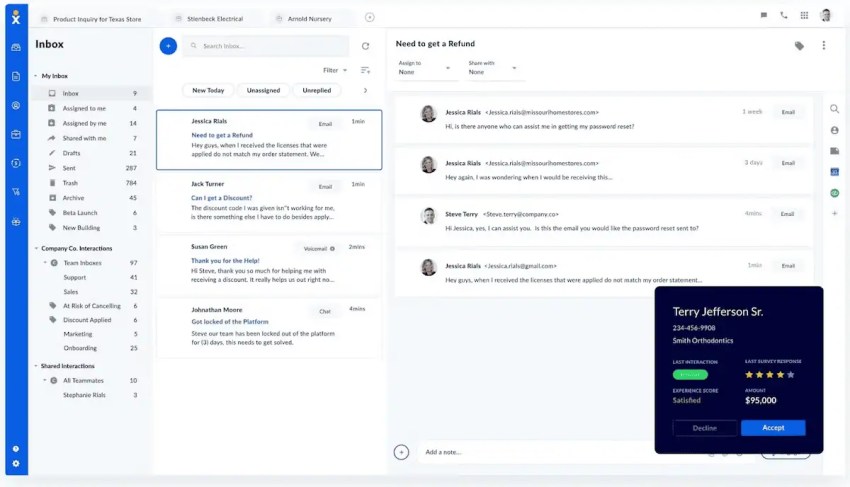
Real-time caller context with call pop
Modern CTI integrations use call pop functionality to automatically present relevant customer information as soon as the phone rings. Instead of asking customers to repeat account numbers, order details, or previous issues, agents can immediately see the information they need.
This creates three immediate advantages:
- Faster call handling
- More personalized conversations
- Reduced customer effort
The result is a smoother experience for both agents and customers from the very first interaction.
Reduced manual data entry for reps
Without a tightly integrated CTI solution, agents often spend valuable time switching between systems, updating records, creating activities, and manually documenting conversations.
Modern CTI frameworks automate much of this process. They can log call details automatically, update customer records in real time, and create activities associated with the correct contact — all without additional effort from the user.
Less manual work means:
- More time spent with customers
- Greater CRM adoption
- Improved data accuracy
When administrative tasks decrease, productivity naturally increases.

Centralized reporting for sales managers
When call data exists outside your CRM, reporting becomes fragmented. Managers often need to combine information from multiple systems before they can understand performance trends or identify coaching opportunities. Modern CTI integrations bring voice activity directly into Salesforce, creating a single source of truth for reporting and analytics.
This enables managers to:
- Track call volumes and outcomes
- Measure individual and team performance
- Identify trends and opportunities faster
Rather than relying on assumptions or incomplete datasets, decision-makers gain access to the information they need to improve performance and customer outcomes.
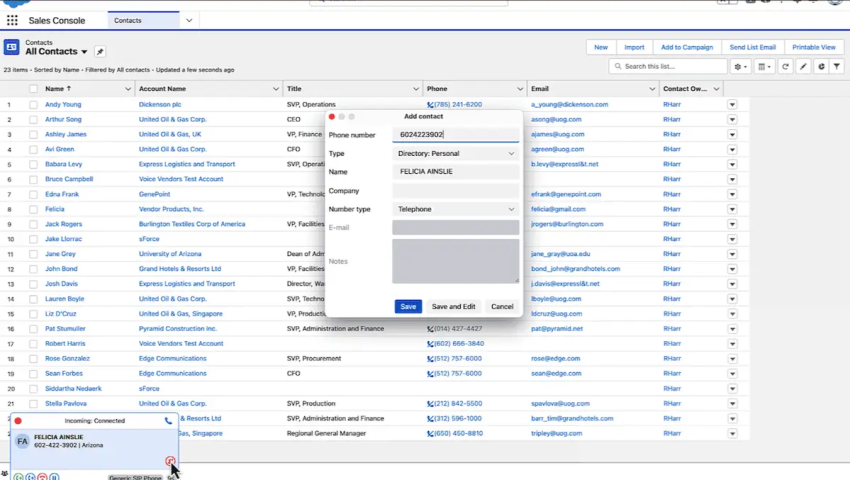
How to Migrate Your Phone System Before the CTI Deadline
The good news is that February 2028 doesn’t have to be a cliff-edge for your business.
If you start planning now, you can avoid rushed deployments, minimize disruption, and use the migration as an opportunity to modernize your wider customer communications strategy.
The key is approaching the project methodically rather than waiting until compatibility issues force your hand.
Auditing your current Salesforce Call Center settings
Start by identifying:
- Your current CTI provider
- Existing call flows and routing rules
- Integrations with Salesforce objects and workflows
It’s also worth documenting which features your teams actually use. Functions like click-to-dial, screen pops, call recording, and automatic activity logging may have become business-critical, while other capabilities are rarely touched.
Understanding your current environment helps ensure nothing important is lost during migration.
Selecting an Open CTI provider from the AppExchange
Once you’ve established your requirements, the next step is evaluating replacement providers. The Salesforce AppExchange remains the primary marketplace for telephony integrations, offering a range of solutions designed to work within the Salesforce ecosystem. While feature parity is important, don’t focus solely on replacing existing functionality.
Look for providers that offer:
- Long-term Salesforce roadmap alignment
- Native support for Lightning Experience
- Advanced reporting and automation capabilities
This approach allows you to improve your communications environment rather than simply recreating your current one. I’ve written about the feature parity trap many businesses experience when migrating to a modern communications platform. Don’t let what you have today get in the way of what you can have tomorrow.
Training users (and Lightning transition best practices)
Even the most capable telephony platform can struggle if agents and managers aren’t comfortable using it. That’s why training should be treated as a core part of the project rather than an afterthought.
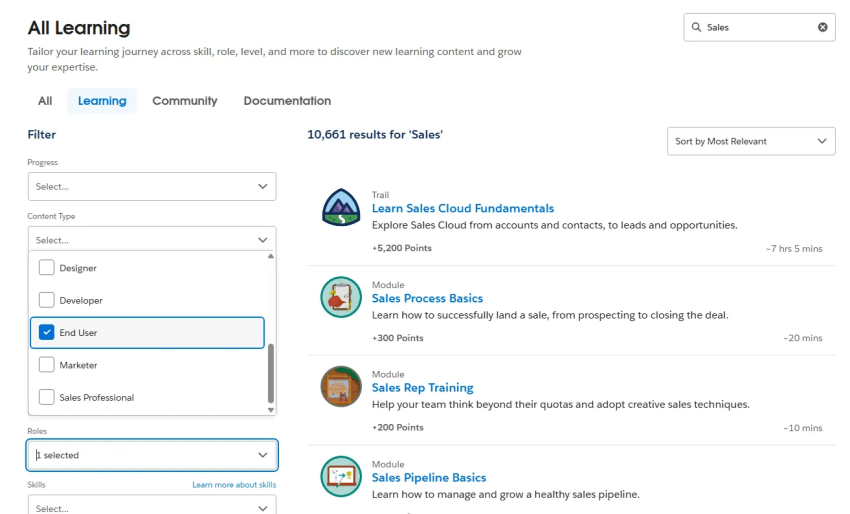
If you’re also planning a move from Salesforce Classic to Lightning Experience, there’s an opportunity to combine training efforts and reduce change fatigue.
To give your migration the best chance of success, focus on three areas:
- Clear communication about upcoming changes
- Hands-on training before launch
- Ongoing support after deployment
Giving your users time to familiarize themselves with new workflows can significantly reduce resistance and improve adoption rates.
Most importantly, avoid leaving migration until the last minute. A phased approach provides time for testing, training, and optimization, ensuring your users remain productive throughout the transition.
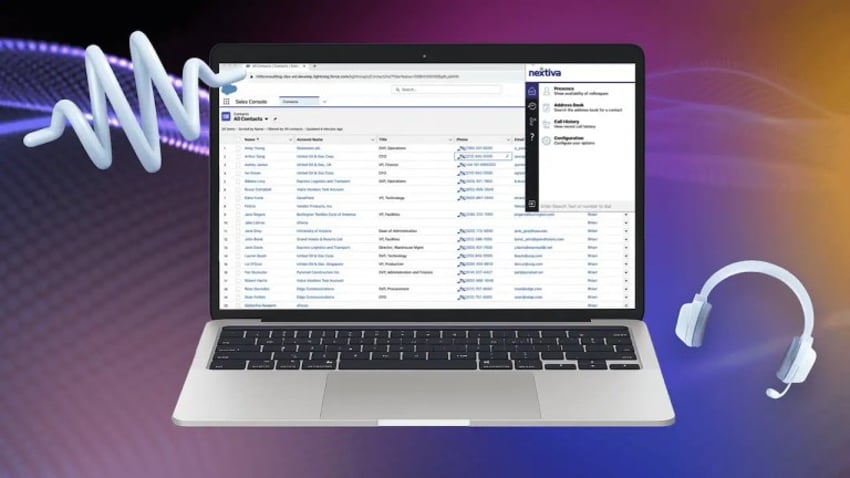
Future-Proofing Your CRM with AI-Powered Communication
Migrating away from Salesforce Open CTI isn’t just about avoiding disruption. It’s an opportunity to rethink how voice, customer interactions, and CRM data work together.
Rather than replacing one integration with another, now is the ideal time to invest in a communications platform that helps your teams work smarter, serve customers better, and uncover insights that would otherwise remain hidden.
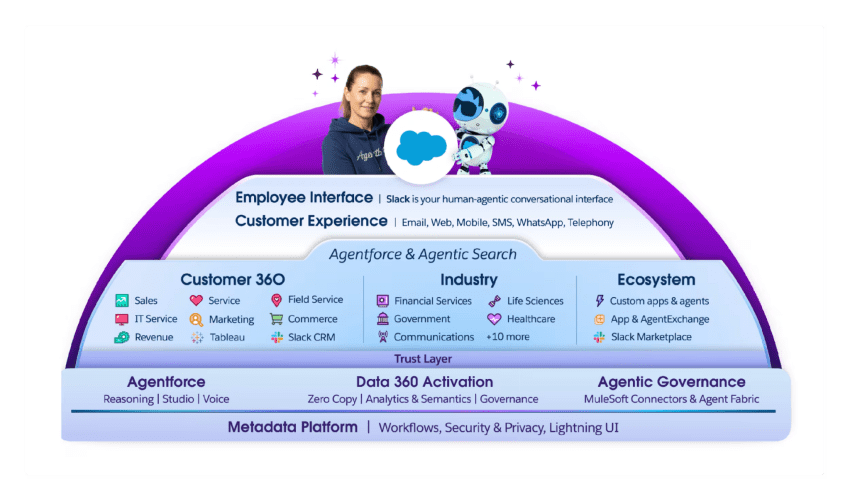
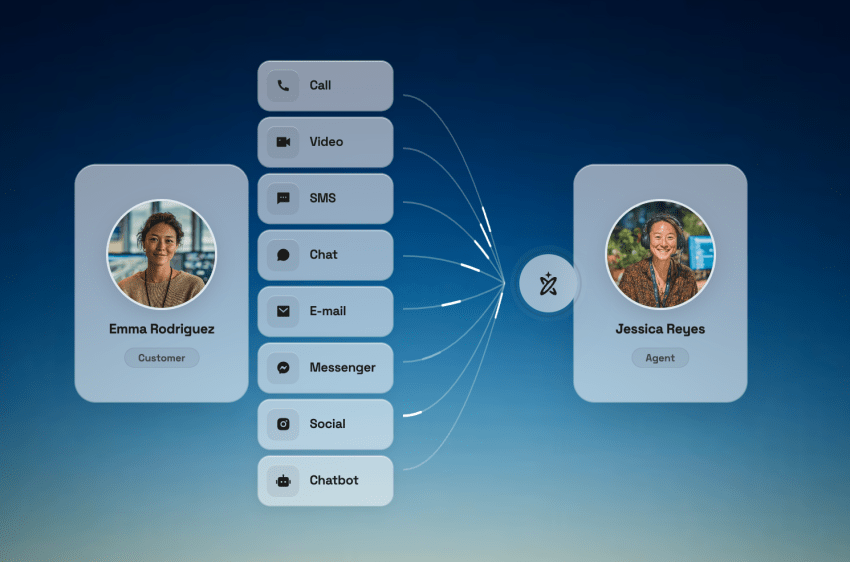
Modern contact center solutions combine voice, AI, and digital channels directly within Salesforce, creating a more connected experience for both agents and customers.
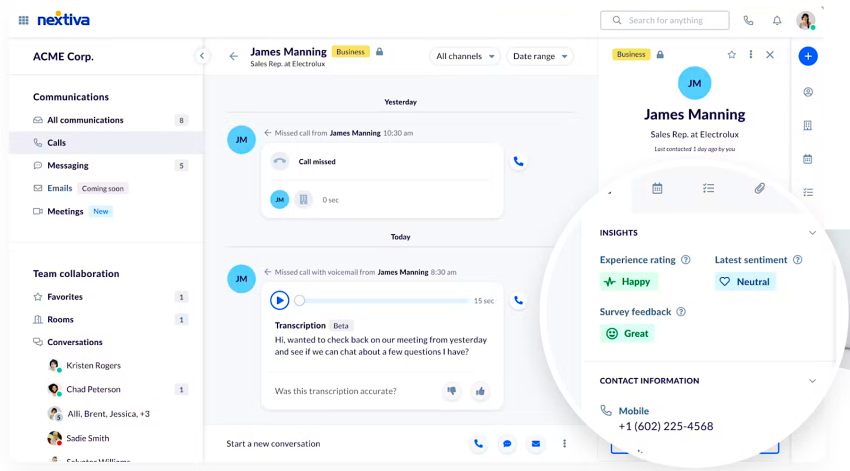
AI transcription and summarization in Salesforce records
With automated transcription and summarization, every conversation can be automatically captured and distilled into a concise summary that is stored directly within Salesforce records.
This delivers three immediate benefits:
- Less administrative work for agents
- More accurate customer records
- Faster handoffs between teams
Instead of spending valuable time documenting conversations, your users can focus on building relationships and resolving customer issues.
Sentiment analysis for sales coaching
AI-powered sentiment analysis helps managers understand customer emotions, identify successful sales behaviors, and spot potential risks before they escalate.
By analyzing conversations at scale, you can:
- Identify coaching opportunities faster
- Recognize high-performing sales techniques
- Improve customer experience outcomes
Rather than relying solely on random call reviews, managers gain deeper visibility into every interaction.
Integrated omnichannel engagements (SMS/social) inside the CRM
Customers no longer communicate through a single channel, so it’s important to take an omnichannel approach.
A prospect may start with an SMS message, continue the conversation via social media, and then complete a purchase over the phone. If those interactions exist in separate systems, valuable context is lost. Modern contact center platforms bring voice, SMS, social messaging, and other digital channels into a single interface alongside your Salesforce data.
This creates:
- A complete customer conversation history
- More consistent customer experiences
- Greater efficiency for agents and managers
With every interaction visible in one place, your teams can engage customers with the context they need, regardless of which channel the conversation started on.

Turn Your CTI Migration Into a Competitive Advantage
The retirement of Salesforce Open CTI may be the catalyst for change, but it doesn’t have to be the only reason you modernize. If you’re evaluating alternatives, look beyond basic telephony functionality and consider how AI, automation, and omnichannel engagement can strengthen your customer experience strategy.
Nextiva Contact Center combines voice, digital channels, AI-powered insights, and Salesforce integration in a single platform, helping you move beyond simple CTI replacement and build a communications environment that’s future-ready.
Ready to futureproof rather than simply replace? Check out Nextiva Contact Center.
Your AI-Powered Contact Center
Create amazing customer experiences with AI-powered contact center software. Scalable contact center platform built for omnichannel customer conversations.
Frequently Asked Questions About Salesforce CTI End of Life
Salesforce retired its legacy Desktop CTI framework years ago. Current end-of-life warnings are generally tied to outdated CTI adapters, browser-dependent plugins, or Salesforce’s planned retirement of Open CTI in February 2028. Migrating to a modern cloud-based integration is the best way to maintain compatibility and ongoing support.
The main risks are security vulnerabilities, browser compatibility issues, and reduced support for newer Salesforce features. As browsers and Salesforce continue to evolve, unsupported CTI adapters become more likely to experience performance issues or failures. Migrating to a modern cloud-native solution reduces these risks.
Migration times vary depending on your Salesforce environment. The process typically involves installing the Nextiva package from the AppExchange, configuring the Call Center settings, and assigning user credentials. Nextiva provides guided implementation support to help streamline deployment.
Legacy CTI required locally installed software and browser plugins to connect phone systems with Salesforce. Open CTI uses browser-based JavaScript APIs, eliminating the need for desktop software and simplifying deployment, maintenance, and scalability.
Yes. Nextiva supports both Salesforce Classic and Lightning Experience environments. This allows you to modernize your telephony integration while continuing your transition to Lightning at a pace that works for your business.