Engagement Channels
 Relationships start
with a conversation
Organize and manage all customer and team interactions.
 Play Video
 Voice
Voice  Video
Video  SMS and Texting
  Group Messaging
  Live Chat
  Messaging Apps
  Social
  Reviews Management
  Contact Management
  Calendar
  Screen Sharing
  Recordings
 One app for all customer conversations.
Your business voice, texts, video meetings, and contacts – all in one place.
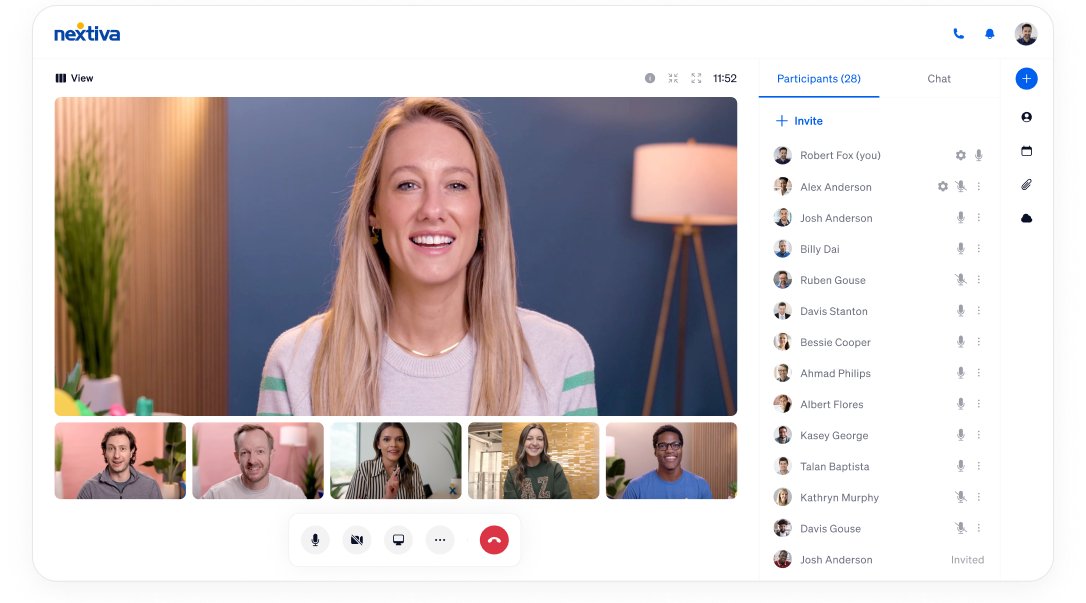
Desktop and Browser Experience
Make phone calls, host video meetings, and send texts. Manage your contacts, calendar, files, links and recordings.
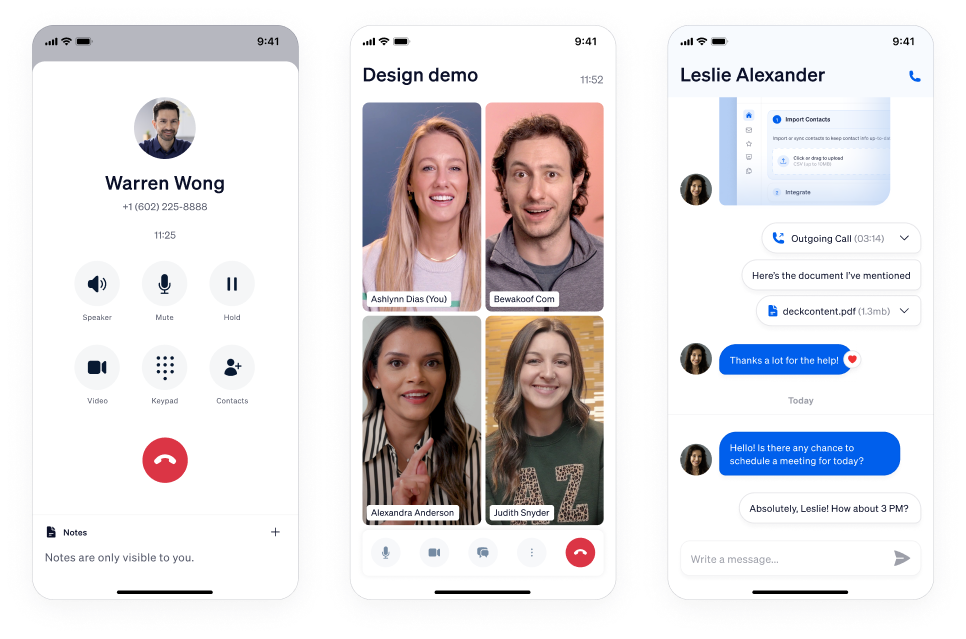
Mobile Experience
Stay connected with customers and teams wherever you are. Take business on the go with your phone, contacts, call and text history all in one place.
Conference rooms, desktop phones and headsets
Connect our platform and software throughout your business, in conference rooms or at your desk with a handset or headset.

Connected to the tools you love
Nextiva integrates seamlessly into your existing ecosystem.

Zoho
Get easy access to lead and customer records and save time with call logging as you connect Zoho CRM.

HubSpot
The HubSpot phone integration gives you customer information even before you pick up the phone.

Zendesk
Start making and receiving calls right from Zendesk. Create and sync call records across Nextiva and Zendesk.

Salesforce
With Nextiva’s Salesforce VoIP integration, bridge the information gap between your CRM and phone system.

Oracle Sales Cloud
Connect your phone service with Oracle Sales Cloud for improved sales productivity and customer interactions.

Microsoft Dynamics
Enable Nextiva’s Microsoft Dynamics CTI and watch your sales call efficiency and CX go through the roof.

Microsoft Outlook
Make calls from your Outlook address book, and know which of your contacts are calling immediately.

NetSuite
Manage customer information like a pro with the Nextiva NetSuite integration. No more switching between apps.

Bullhorn
Integrate Bullhorn CRM or ATS with Nextiva’s business phone service for a more collaborative CRM experience.

Workbooks
Effortlessly send information between Workbooks CRM and Nextiva’s cloud phone system.

ServiceNow
Get Nextiva for ServiceNow for advanced phone features inside your IT management software.

SugarCRM
Get a detailed view of your caller without a manual search. Do this and more with the SugarCRM integration.

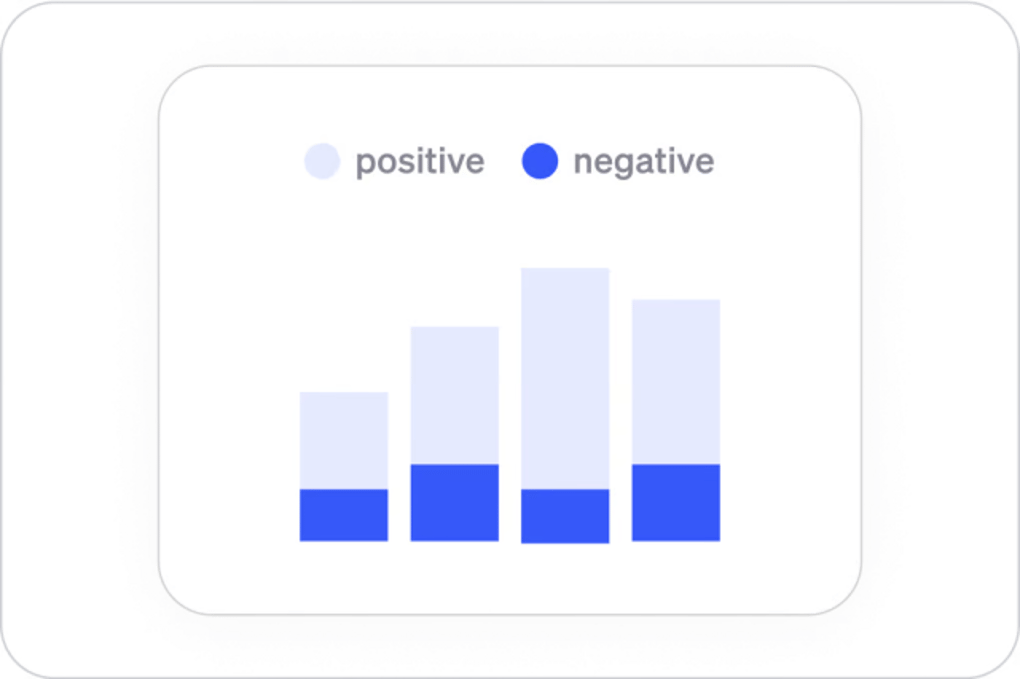
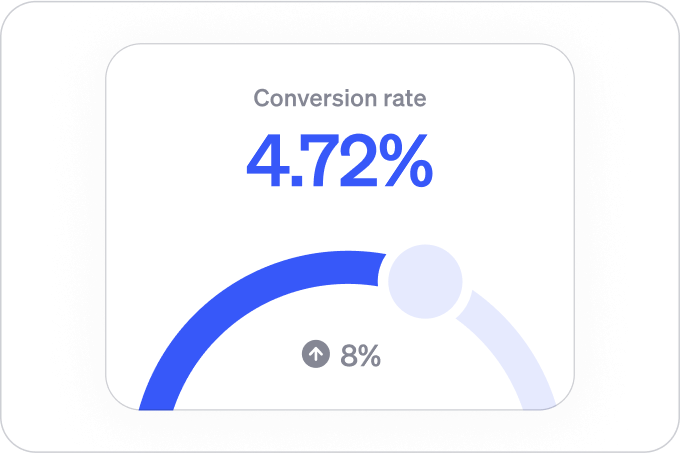
View. Analyze. Act.
A real-time dashboard that tracks call activity across your entire organization.

Easy to set up and scale.
Future-proofed for tomorrow.
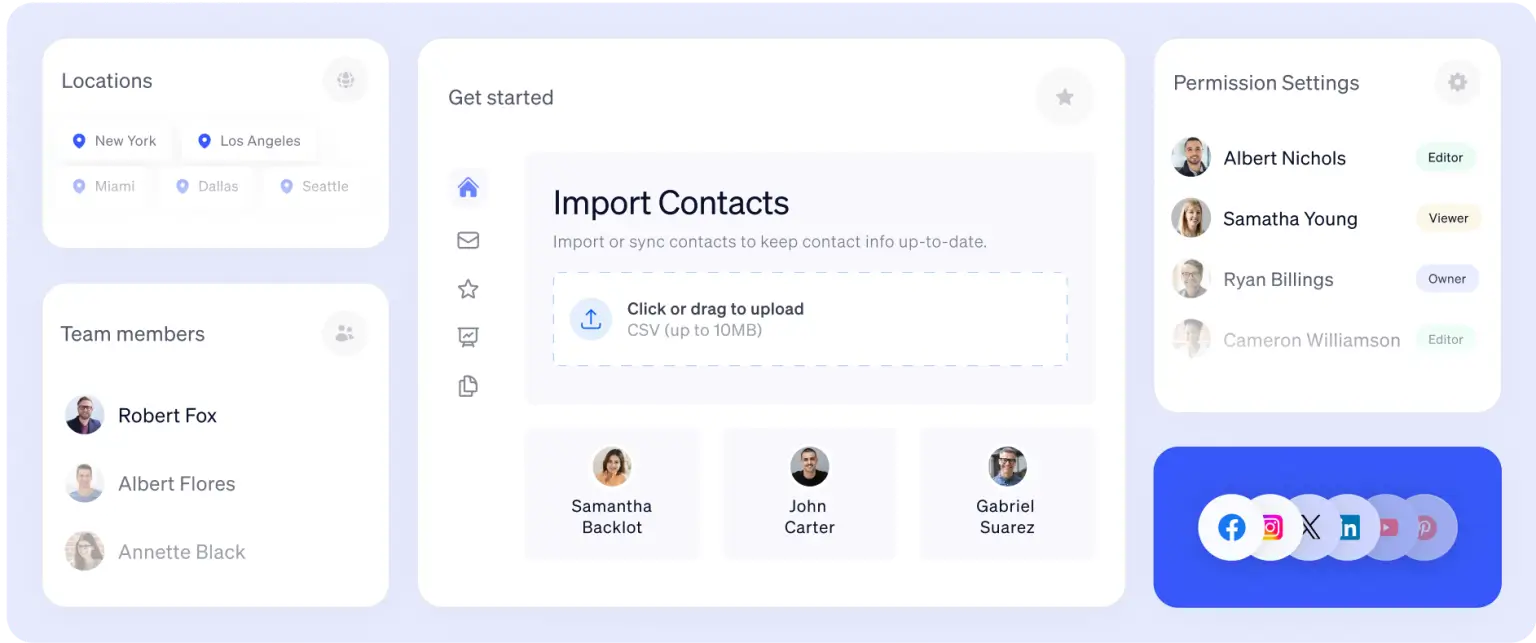
Manage all communication, workflows, users, and permissions in one view.
Work here, there, and everywhere

At your computer

On your phone

At your desk
Reliable. Compliant. Trusted by millions.

99.999% Uptime. Military Grade Security

Compliant with TCPA, DNC, STIR/SHAKEN, HIPAA, PCI-DSS, PCI-DSS, and more.

Enterprise level implementation and 24/7 support
Nextiva sets the industry standard
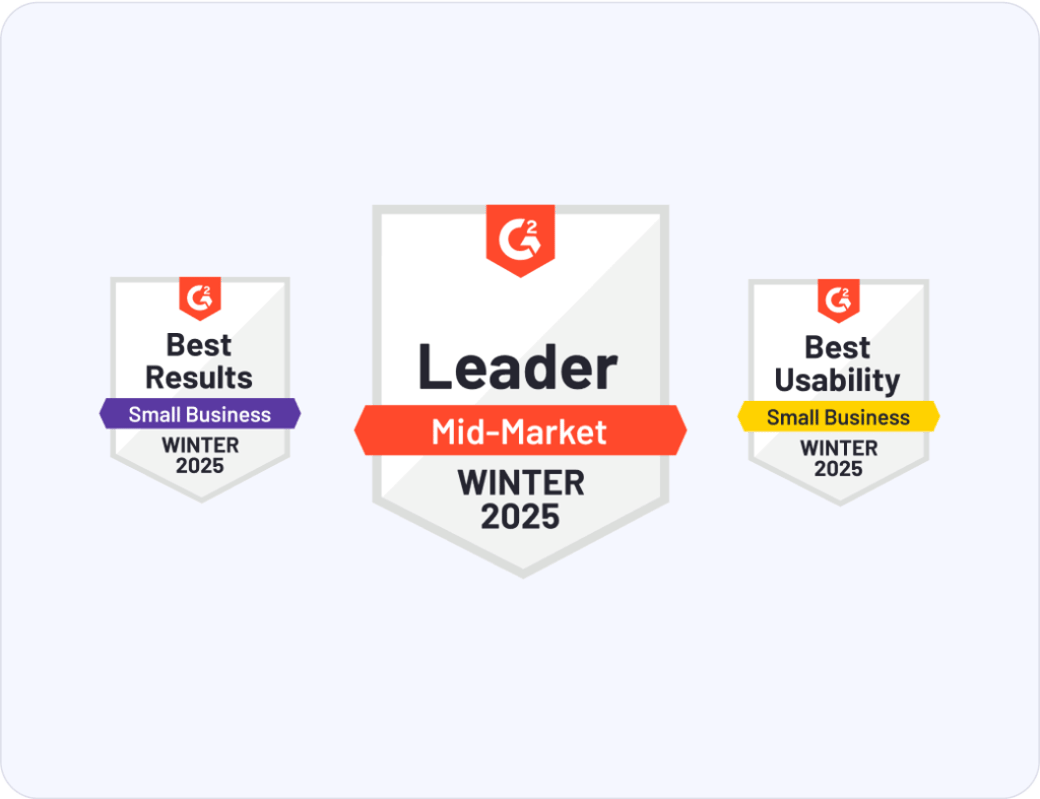
Rated by customers voted best product and support, easiest to set up and use.

Features we wouldn’t let
you go without


“We have not worked with any other company that has had as big of an impact on our business as Nextiva”

Ryan Petersen,
Founder and CEO of Flexport






Nextiva already serves 1 million+ users.
Connect your business communication on one app.